


One mount, two screens
Two screens, one tidy desk
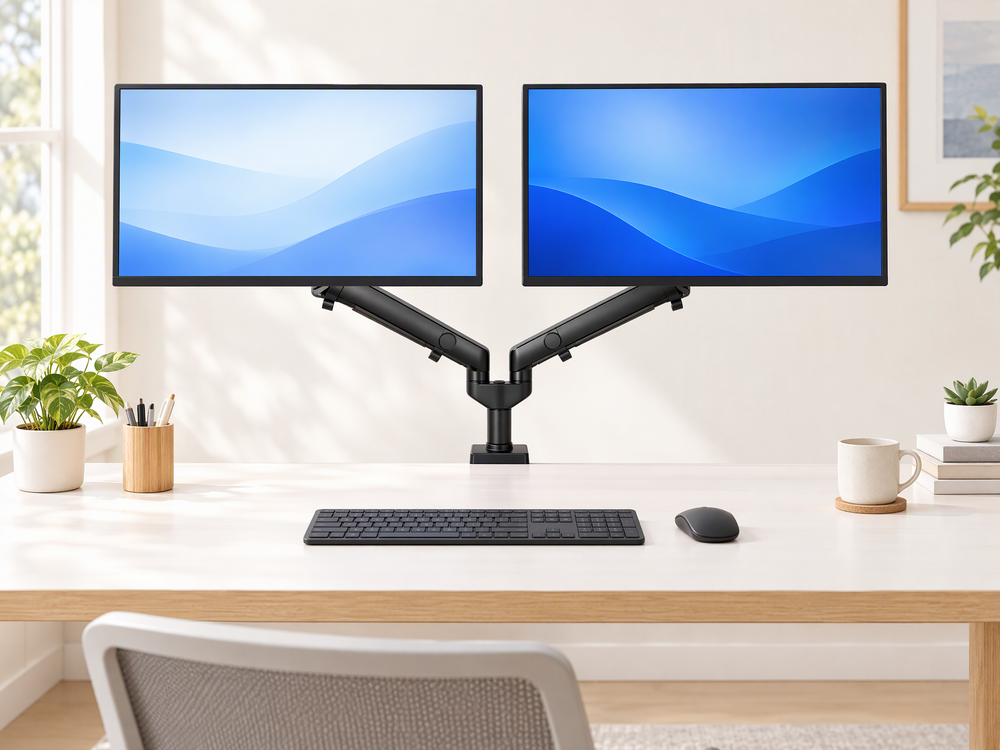
Hold two 17–32-inch monitors on a single desk clamp. Each screen sits on its own arm, and cable clips keep wires along the arms instead of across your desk.
-
Two independent armsPosition each monitor on its own arm.
-
One clamp, one postBoth arms rise from a single post on a clamp-on base, so your desk surface stays clear.
-
Cable managementClips along each arm keep cables in line.
Full range of motion
Move each screen where you need it
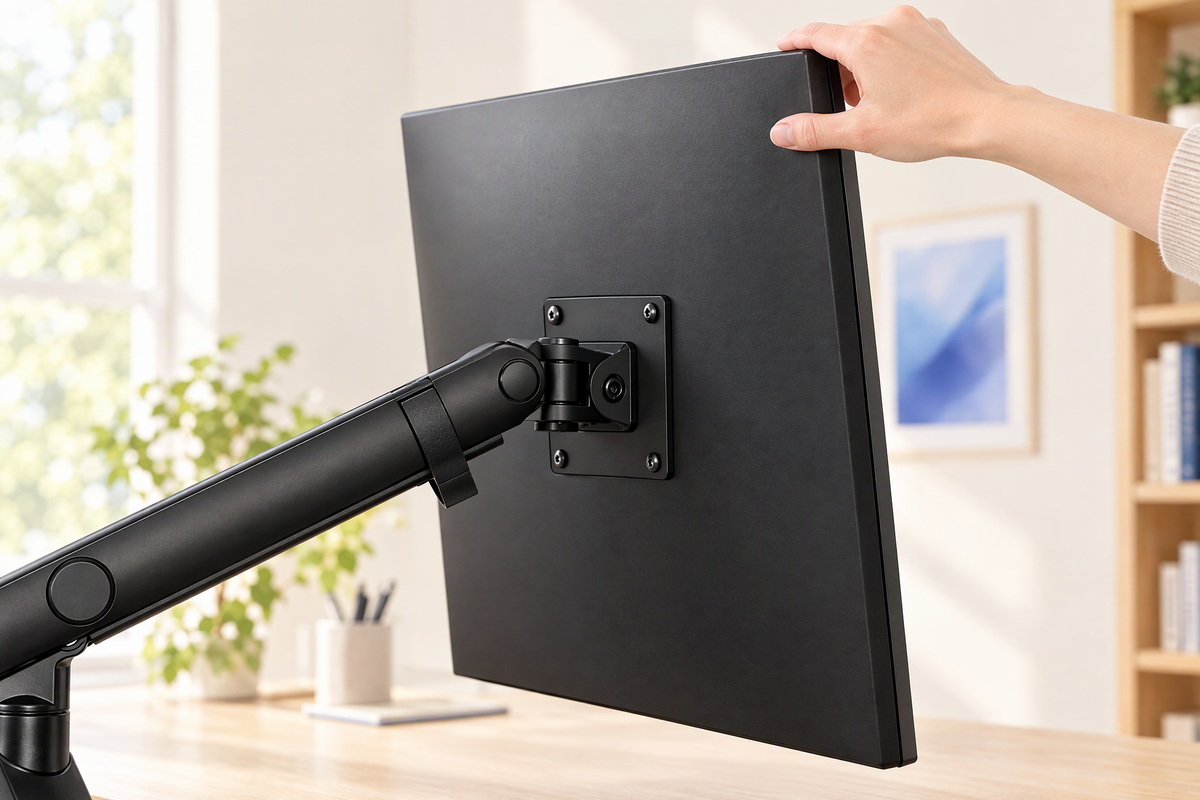
Tilt, swivel and rotate either monitor to face the way you are working.

Your height, your angle
Set height and angle to suit how you work
Set each screen’s height and angle on its own, so your two screens never have to match.
Your layout
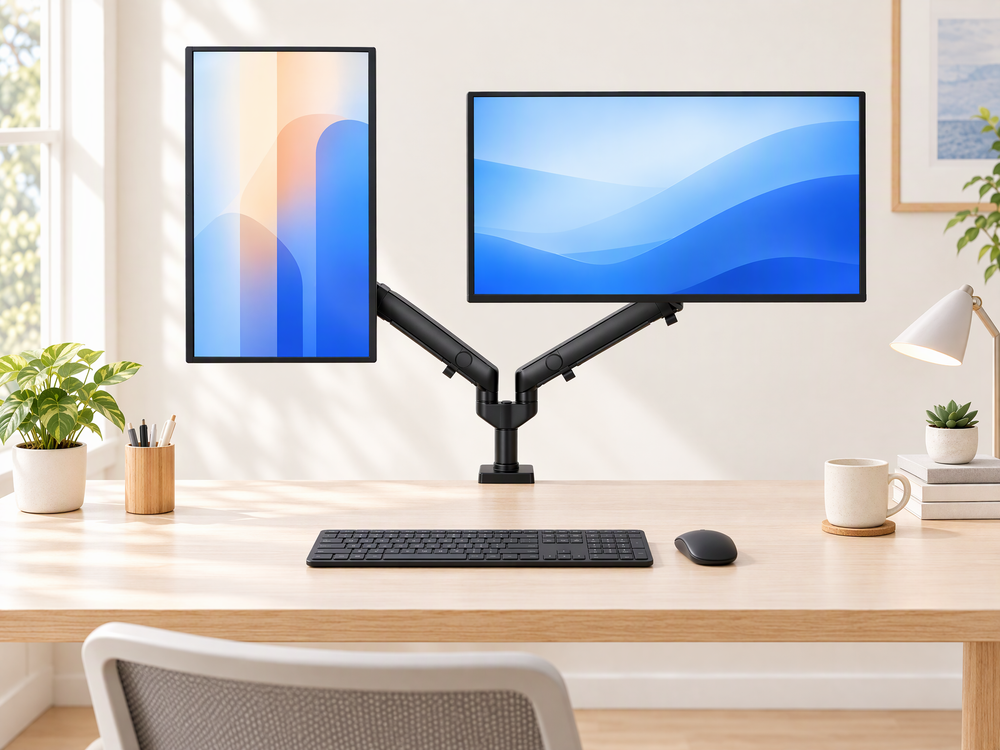
Landscape, portrait or a mix of both
Keep both screens in landscape for wide documents and spreadsheets, or rotate one upright for long pages and code.

Check your fit
Will it fit your setup?
Before ordering, check your screen size, the VESA pattern on the back of each monitor and the thickness of your desk.

Setup
Straightforward setup, hardware included
Fasten the VESA plate to each monitor, clip it onto the arm, then adjust to suit your desk.
- Tools and hardware included
- Step-by-step installation guide included
- Assembly and adjustment are required — follow the guide and your monitor maker’s instructions
Real questions
What shoppers ask before buying
Is it easy to install?
Installation is one of the topics Amazon reviewers mention most, and most describe it as simple and quick, including setup by one person. Assembly and adjustment are still required, so follow the installation guide and your monitor maker’s instructions. Setup time varies with your monitors and workspace.
Will the arms stay where I put them?
Most reviewers say their monitors stay steady, but some report arms loosening over time. Arm tension needs to be set for the weight of your monitors, so follow the guide when adjusting. If an arm still drifts, contact us with your monitor model numbers.
Can it hold large or heavy monitors?
Some reviewers use it with two 32-inch screens, and the mount is designed for two monitors from 17 to 32 inches. We have not confirmed a supported weight range, so contact us with both monitors’ model numbers and weights before ordering.
Does it work with curved monitors?
It supports VESA 75 × 75 mm and 100 × 100 mm patterns, but at least one reviewer found mounting curved monitors difficult. If your monitor is curved or has recessed mounting holes, contact us with its model number before ordering.
Does it help with cable clutter?
Reviewers say the cable channels work well. Cable clips on each arm keep wires along the arm instead of across your desk.
Before you order
Check your two-screen setup.
For the Dual Monitor Arm Mount for 17–32″ Screens (QX-DMA-NW1). Confirm your equipment, mounting surface and the listed package contents before ordering.
Screen size & VESA
Designed for two 17–32-inch monitors with VESA 75 × 75 mm or 100 × 100 mm mounting patterns. Check both screens: size alone does not confirm compatibility. Ask us about recessed mounting holes or curved monitors before ordering.
Ask about your monitorsConfirm the supported monitor weight
Contact support@shoplifelong.com before ordering to confirm the supported weight range for this exact mount. Include both monitor model numbers and their weights without stands. Do not use another model's load rating.
Confirm the weight rangeCheck your desk & mounting space
Measure your desktop thickness and check its material, underside clearance and mounting area. Contact us with those details to confirm the correct clamp range before ordering. Assembly and adjustment are required; follow the product and monitor installation instructions.
Check your desk setup