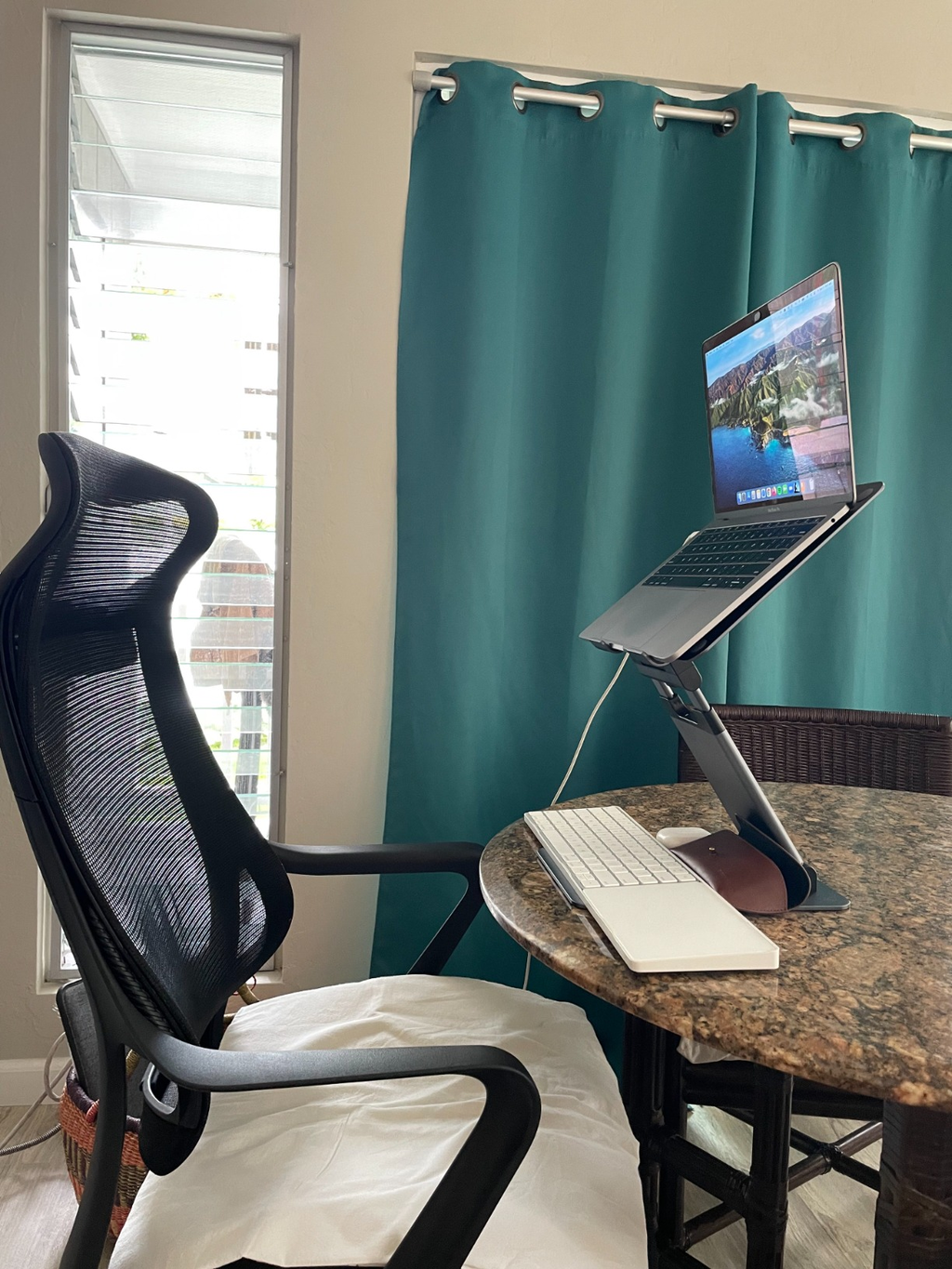
Better desk posture
Lift your screen. Ease your neck and back.
A laptop that sits flat on the desk pulls your head and shoulders forward. This all-metal stand lifts the screen so video calls, reading and typing happen in a more upright posture, helping reduce back and neck strain.
-
Eye-level screenRaise the display toward eye level instead of looking down.
-
20 arm positionsFine-tune height and angle for sitting or standing.
-
Aluminum buildA solid metal frame that holds your laptop steady.

Sit to stand in seconds
Rise up to 20 inches.
Slide the telescoping arm to move from a low seated position to a full standing height in seconds. Pair the stand with a separate keyboard and mouse for a comfortable standing setup.

Adjust to your eye level
Higher screen, lighter shoulders.
A laptop flat on the desk drops your gaze and rounds your shoulders. On the stand, the screen rises to where you naturally look, so you can work comfortably with less shoulder strain.

Fits 10″–17″ devices
A second screen, right where you need it.
Set the stand beside your monitor and bring a laptop or tablet up to the same height for a second display. The platform measures 11″ wide by 9.5″ deep, and the base measures 10.5″ by 7.5″.
Portable design
Fold it flat. Set it up anywhere.
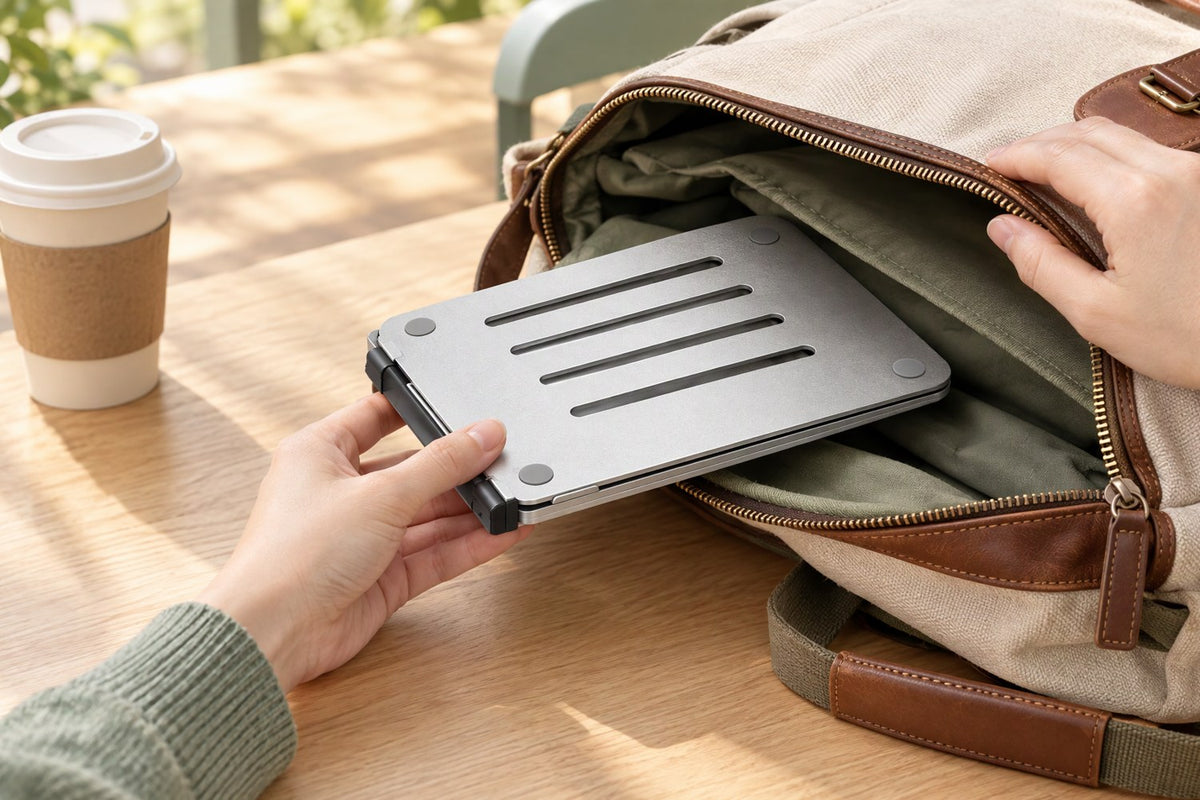
Fold the stand down to a slim 1.6 inches and slip it into a bag. Open it again in seconds at the office, a coworking space or the kitchen table.

Heat dissipation
An open frame that lets air move.
The slotted platform leaves room beneath your laptop so air can move, helping cool it during long sessions.
- Slotted platform for airflow beneath your laptop
- Laptop raised off the desk surface
- Round anti-slip pads at the platform corners
Good to know
Frequently asked questions
Can I type on my laptop's own keyboard while it is on the stand?
Yes, but expect some movement. Any raised stand moves a little when you type, and the effect is larger at higher positions. For long typing sessions, use an external keyboard and mouse on the desk, keep the stand on a firm, level surface, and choose the lowest position that puts your screen at eye level.
How stable is it at full height or with a 16″–17″ laptop?
The stand is designed for laptops and tablets from 10″ to 17″. The platform is 11″ wide and 9.5″ deep, so larger laptops overhang it, and a heavy laptop has more leverage when the arm is raised. Center the laptop on the platform and keep large or heavy laptops at lower positions on a level desk. If you are unsure about your laptop, email support@shoplifelong.com with the model before you order.
Is it hard to adjust or fold?
The hinges are firm on purpose, so the stand holds its position under a laptop. Adjust it with two hands, and use the release button on the arm when you extend it. The stand is a solid metal build, so it is heavier than a plastic riser.
How tall does it really go?
The platform rises up to 20 inches, and the telescoping arm itself extends 13 inches across 20 positions. Where your screen ends up also depends on your desk height and your own height, so if you want a fully upright standing posture, compare your eye level with your desk height first.